
How to Access and Review Your Train Reservations Through redRail’s My Bookings
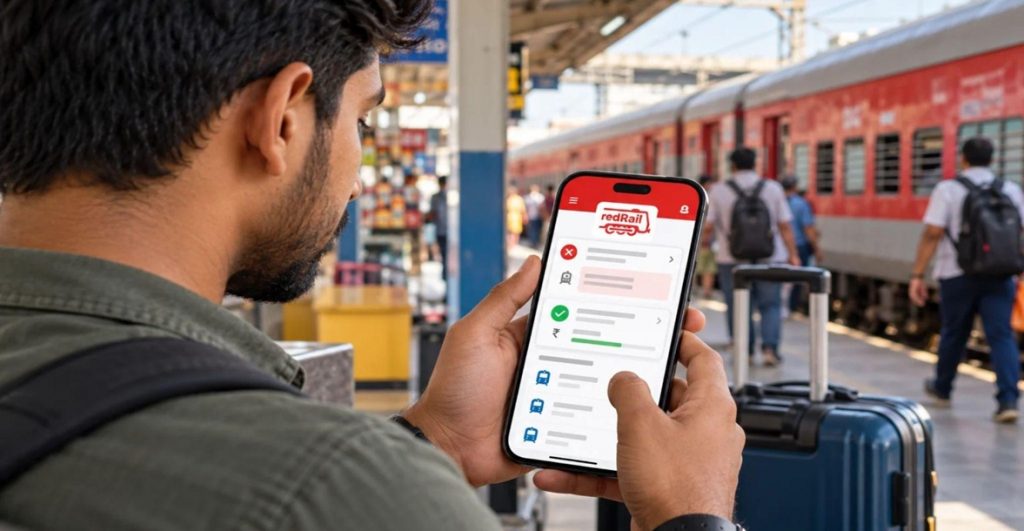
Mumbai, 13th November 2026: A passenger who travels by train a few times a year can end up with ticket details spread across text messages, emails, and screenshots. When they need the PNR at the station or want to cancel a trip, finding the right one takes time.
redRail, the IRCTC-authorised train booking platform from redBus, keeps all of a passenger’s train reservations in the My Bookings section of its app and website. From here, travellers can view their tickets, check the latest status, cancel bookings and follow their refunds.
Where to Find It
On the redRail app, My Bookings appears as a tab at the bottom of the screen. On the website, passengers can open it after logging in.
Every ticket booked through the platform is listed here. This includes upcoming trips, as well as past and cancelled bookings for reference.
Booking confirmations are also sent by SMS and WhatsApp. But My Bookings is the one place where all the details stay together.
What Each Booking Shows
Opening a booking shows the full trip details. These include the train name and number, date of travel, boarding and destination stations, class and the names of all passengers on the ticket.
The 10-digit PNR is shown at the top. The ticket on the phone is valid for travel, as long as passengers carry a photo ID matching the name on the booking.
Booked With Your IRCTC User ID
Since passengers sign in with the IRCTC user ID they already have, every ticket in My Bookings is also linked to their IRCTC account. For those used to online train ticket booking on the IRCTC site, the PNR and passenger details are exactly the same in both places.
Checking the Latest Status
For RAC or waitlisted tickets, the booking shows how the ticket is moving. The Current Status changes as other passengers cancel, and it becomes final once the reservation chart is prepared, a few hours before departure.
After the chart is prepared, passengers can see their coach and berth number. The app also shows coach position and platform details, which helps them wait at the right spot on the platform.
Following the Train on the Day of Travel
From the same app, passengers can check the train running status to see where the train is and whether it is running late. The live status can be checked even when the phone is offline, which is useful on routes with weak signal.
Waitlist Not Clearing? Look for a Seat With redRail Confirm
If a booking in My Bookings shows a waitlist that is not moving, passengers can search again before it is too late. redRail Confirm looks for confirmed seats on the same train, booked from an earlier station on the route, while the passenger still boards at their own station.
When no direct train has seats, Connecting Trains shows journeys on two trains with seats on both.
Fully Waitlisted After the Chart? Confirm or 3X Refund
If a ticket stays fully waitlisted after the chart, it is cancelled automatically. For bookings where passengers added Confirm or 3X Refund, now called Alternate Trip, on selected trains, they receive three times the ticket amount. One part goes back to the original payment method, and the rest comes as a travel voucher for redRail.
Cancelling a Ticket in a Few Taps
To cancel, passengers open My Bookings, select the ticket and tap “Review and Cancel.” The screen shows the refund amount before they confirm.
Normal IRCTC cancellation charges apply. For bookings made with Free Cancellation, on selected trains and classes, passengers who cancel within the allowed time get the full fare back without railway cancellation charges.
Tracking the Refund
Once a ticket is cancelled, the refund status can be followed in the app or on the website. Updates are also sent by email.
Refunds usually reach the original payment method within 5 to 7 business days. For UPI payments, refunds on cancellations can be instant.
Planning the Next Trip With Exclusive Deals
Passengers booking a return journey can apply offers and coupon codes on redRail at checkout when they are running.
24×7 Customer Care in Multiple Languages
redRail’s customer care team is available 24×7 to assist. Support is offered in multiple languages, including English, Hindi, Kannada, Telugu and Tamil, with plans to introduce additional languages in the future.
Passengers can get in touch if a booking does not appear in My Bookings, a refund is delayed or a ticket detail looks wrong.
One Place for Every Trip
Train tickets are often booked weeks ahead and checked many times before the journey. Keeping them in one place saves passengers from searching through old messages at the moment they need the details most.
A quick look at My Bookings before leaving for the station is often all it takes to have the PNR, coach and train status ready in hand.