
6 Best Image Enhancer for Clearer and Sharper Images
Mumbai, 31st March 2026: Clear images are one of those things everyone wants, but not everyone wants to spend three evenings dragging sliders around just to make a photo look… normal again. Blurry faces, noisy shadows, tiny screenshots, scanned pages that look like they were faxed in 1998, these show up everywhere. And now that visuals are used for websites, listings, presentations, printing, social posts, and documents all at once, the pressure for sharpness got kind of intense, maybe unfairly intense, but here we are.
That’s why a powerful AI photo enhancer or AI image upscaler powered by AI has become part of daily workflows for creators, businesses, students, and people who just want their pictures to stop looking tired. Below are six well-known tools that focus on improving clarity and resolution, each with its own angle, pacing, and personality, so to speak.
1. Artguru Photo Enhancer
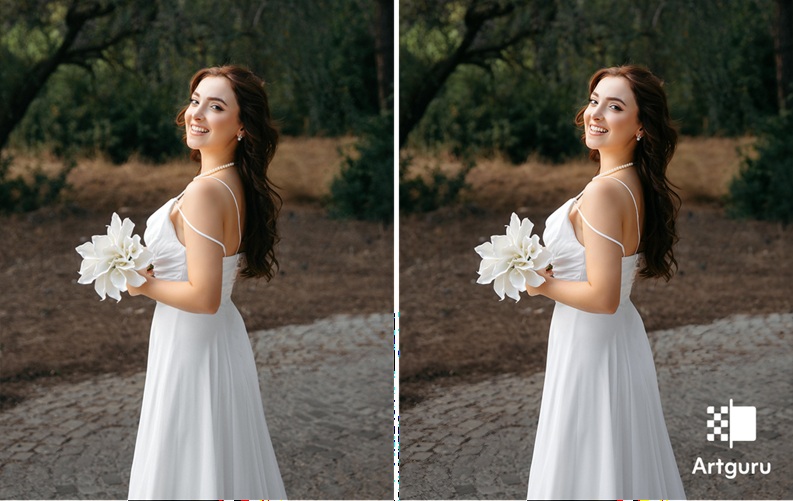
Artguru’s photo enhancer helps improve image clarity and detail with very little effort. It doesn’t stop at images either, it also includes tools like a video enhancer and a PDF enhancer. Because of that, Artguru feels more like a complete AI enhancement toolkit than just a simple upscaler, and it changes how people use it in their day-to-day work.
Image enhancement effects
Artguru provides a Photo Enhancer which can unblur image in one click and enhance to 4K quality while its system automatically identifies the image type as portrait, product shot, document, or artwork. For images that need even more scale, its Image Upscaler pushes up to 8K. There’s also Old Photo Restoration for repairing scratches, creases, tears, or spots, plus strong performance when it comes to sharpening text inside images.
Upscale to 8K using Artguru Image Upscaler
Ease of use & workflow
Available on web, iOS, and Android, Artguru is built for quick sessions. Upload, select the tool, wait a short moment, download. Paid plans unlock batch processing for up to 50 images, which is useful for catalog work or archiving projects.
Best use cases
- Portrait enhancement
- Digital photos
- Ecommerce product images
- Website banners
- Scanned documents and PDFs
- Restoring family photos
- Preparing images for print
2. VanceAI
VanceAI focuses heavily on AI-based upscaling and restoration tools for photos and artwork.
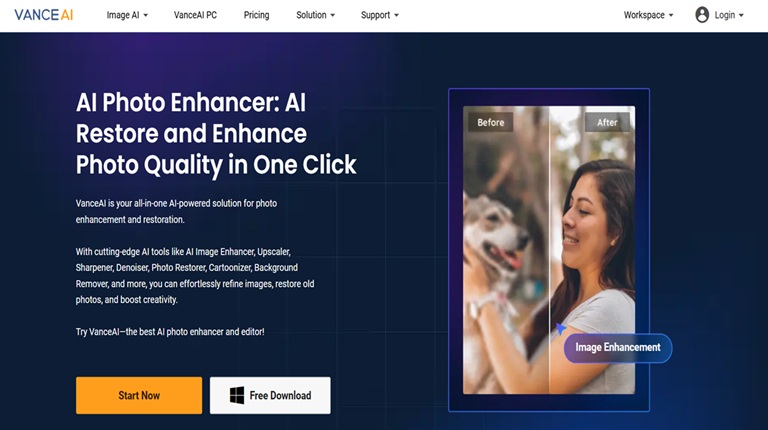
Image enhancement effects
Its models target noise reduction, sharpening, anime-style art upsccaling, and photo restoration. Users often lean on it for digital illustrations or older low-resolution photos that need more life breathed into them.
Ease of use & workflow
VanceAI offers a browser-based interface plus downloadable desktop software, which appeals to people who prefer offline processing for large files.
Best use cases
- Digital art upscaling
- Old photographs
- Noise-heavy low-light images
3. Let’s Enhance
Let’s Enhance has been around for a while and is widely used in ecommerce and real estate circles.
Image enhancement effects
It enhances image quality through its ability to enhance both resolution and color balance together with its capacity to maintain surface details and edge definition. The system provides dedicated product photography modes that assist users in creating images which will be used in catalog and marketplace displays.
Ease of use & workflow
The platform runs in-browser with a fairly clean dashboard, and batch uploads are supported on paid tiers. The process feels structured and predictable, which some teams like a lot.
Best use cases
- Online store listings
- Real estate photos
- Marketing visuals
- Print preparation
4. Remini
Remini became popular mainly through mobile users and social media, especially for enhancing portraits and selfies.
Image enhancement effects
It emphasizes facial clarity, smoothing, and sharpening in photos and videos. The results often lean toward polished, sometimes dramatic upgrades, which suits casual photography and social sharing.
Ease of use & workflow
Remini works primarily as a mobile app, so everything is optimized for quick edits on a phone while waiting in line or sitting on a bus pretending to read emails.
Best use cases
- Selfies and portraits
- Social media posts
- Short-form videos
- Casual photo cleanup
5. PicWish
PicWish blends enhancement tools with background removal and light editing features, which makes it more of a small utility hub than a single-purpose app.
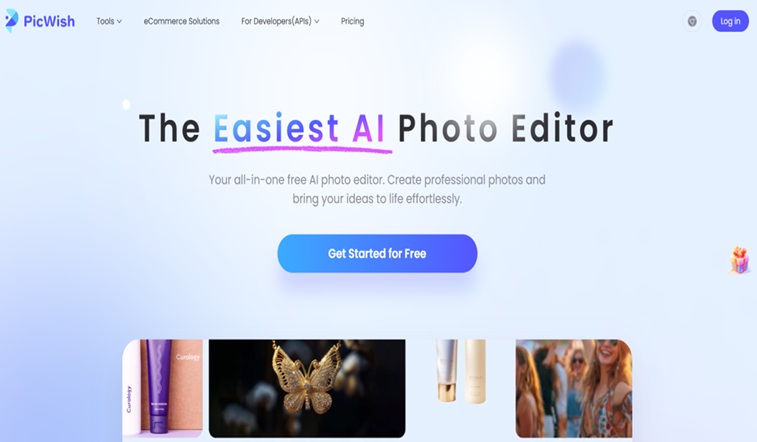
Image enhancement effects
It sharpens photos, improves resolution, and cleans edges around subjects. The background removal feature is often paired with enhancement to prep images for online use.
Ease of use & workflow
The interface is simple, almost aggressively simple, which helps beginners get started fast. Web and mobile versions are available, and batch editing shows up in premium plans.
Best use cases
- Product photos
- Profile pictures
- Marketing graphics
- Quick design tasks
6. Fotor
Fotor is known as an all-in-one photo editing platform, with AI enhancement as part of a larger toolbox.
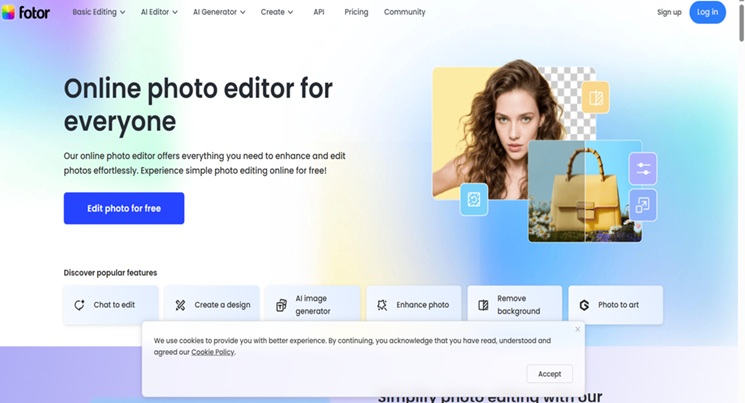
Image enhancement effects
Its enhancer sharpens images, adjusts lighting, and boosts clarity, while the rest of the suite covers filters, retouching, and layout work. This appeals to users who like having everything in one place rather than jumping between apps.
Ease of use & workflow
Fotor runs on web and mobile, with a visual editor layered on top of the AI tools. It feels more hands-on than pure one-click enhancers, which some people prefer.
Best use cases
- Social media graphics
- Posters and banners
- Quick edits plus enhancement
- Creative layouts
Conclusion
AI image enhancers have quietly shifted how people approach visual quality. Instead of treating blurry photos as lost causes, they’re now seen as raw material, something that can usually be cleaned up, sharpened, and reused with the right tool.
Artguru Image Enhancer, VanceAI, Let’s Enhance, Remini, PicWish, and Fotor all approach that goal from slightly different directions. Some lean toward ecommerce, some toward portraits, some toward creative design, and some toward broad, multi-format workflows that include documents and PDFs too. So you have these options for your next image enhancement venture.